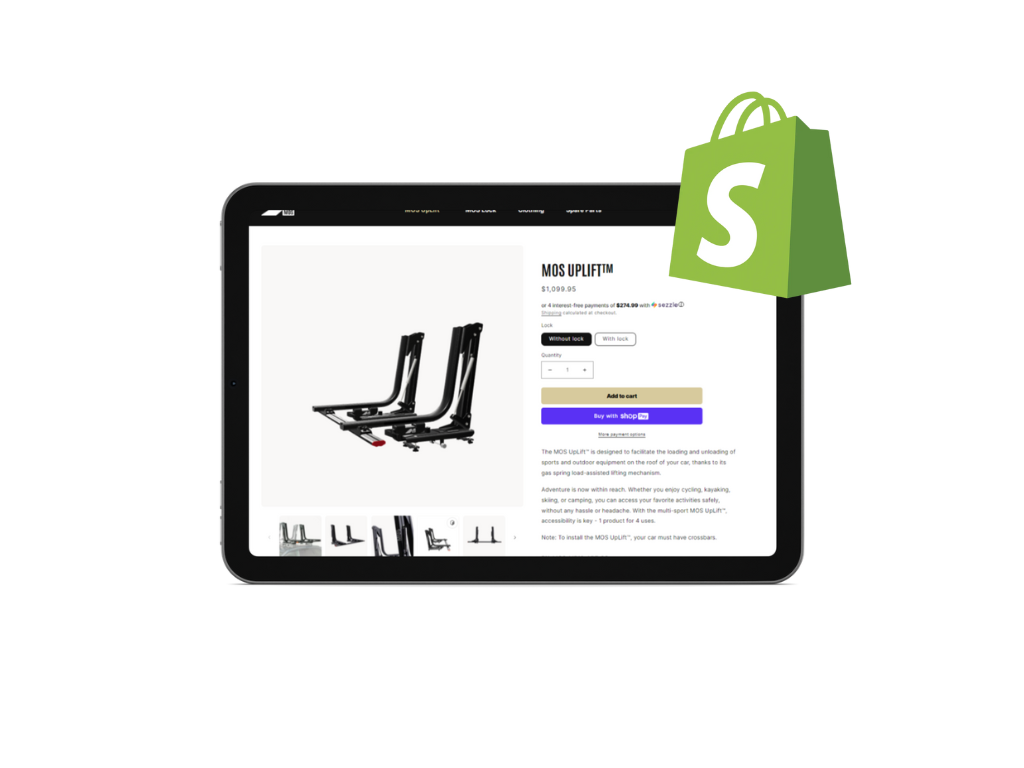
Optimizing 3D Models for Performance and SEO on Shopify
3D product images unlock immersive shopping experiences, but without careful optimization, they can slow down a store or miss out on search visibility. For developers and merchants committed to performance and discoverability, this guide covers best practices for optimizing 3D models on Shopify.
Balancing Visual Quality and Load Speed
File size and complexity directly impact loading times and conversion rates. Shopify recommends keeping 3D models under 5MB, with 15MB as an upper limit for more complex products.growm+1
To optimize:
-
Polygon Reduction: Use mesh decimation tools to reduce vertex count without visibly degrading the model.
-
Texture Compression: Convert textures to compressed JPG or PNG formats and resize them appropriately.
-
Simplify Materials: Avoid complex shaders or excessive reflections which can increase render time and file size.alpha3d
Choosing the Right File Format
-
GLB is the universal, recommended format combining geometry, materials, textures, and animations in one compact file.
-
USDZ supports AR on iOS devices natively but may lack some advanced customization.
Use GLB for most cases unless targeting specific Apple AR experiences.alpha3d
Implementing Lazy Loading and Fallbacks
-
Use the
loading="lazy"attribute on<model-viewer>to defer model loading until in viewport, reducing initial page load.shopify -
Provide fallback
posterimages for browsers or users that cannot load 3D content. -
Use descriptive
altattributes for screen readers to maintain accessibility.shopify
SEO Benefits of 3D Models on Shopify
Google crawls 3D models on web pages and can highlight them in search results, particularly on mobile. To maximize SEO:visao
-
Use meaningful alt text describing the product and model visuals.
-
Include structured data/schema markup to classify product media.
-
Ensure 3D content is crawlable and properly linked within product pages.shopify+1
Accessibility and Inclusive Design
-
Make 3D interactions keyboard-navigable and screen-reader friendly.
-
Test AR features to ensure they don’t block or confuse users with disabilities.
-
Always provide an alternative image or description if the 3D viewer fails or is unsupported.shopify+1
Testing and Continuous Monitoring
-
Test models on real devices (desktop/mobile/iOS/Android) to ensure consistent experience.
-
Monitor page speed with tools like Google Lighthouse.
-
Check Google Search Console for coverage and indexing of 3D content.
Conclusion
Optimizing 3D models is essential to delivering stunning experiences without sacrificing speeds or search visibility. By balancing performance steps with SEO and accessibility best practices, Shopify developers can ensure their interactive 3D product media not only impresses but performs.